Your Complete Guide to the
Ultiracer Web Platform
Everything you need to know to track your rides, analyze performance, and compete with riders worldwide — all from your browser.
Ready to Ride?What Is the Ultiracer Web Platform?
The Ultiracer web platform is your command center for indoor cycling brain-body balance training. Access it from any computer with a browser — connect your Ultiracer trainer via USB or Bluetooth, ride in real time, review detailed session analytics, climb the leaderboard, and track your progress over weeks and months. Everything syncs with the mobile app, so your data is always up to date.
Ride from Your Browser
Connect your Ultiracer trainer directly via USB or Bluetooth and ride with a full-screen live dashboard — no app install required.
Deep Performance Analytics
Detailed charts for speed, power, cadence, heart rate, and lateral balance. Track trends over 7, 30, or 90 days.
Compete & Compare
Global, country, and facility leaderboards let you see how you stack up. Filter by distance, speed, calories, and more.
Platform Features
A closer look at everything the web platform offers — from live rides to post-session analysis.
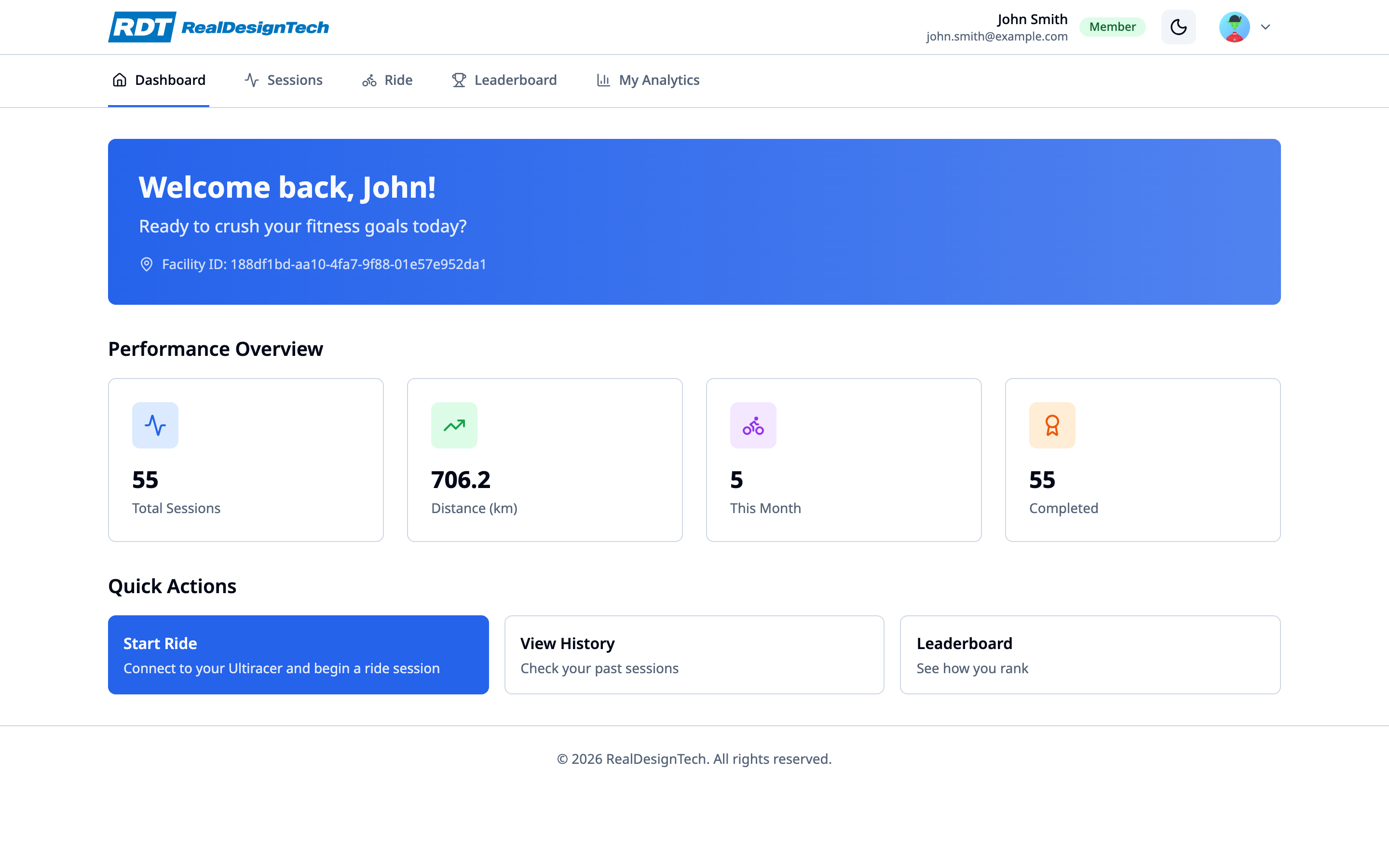
Dashboard
Your personal home screen. See total sessions, distance ridden, monthly activity, and completed rides at a glance. Quick-action buttons let you jump straight into a ride, review your history, or check the leaderboard.
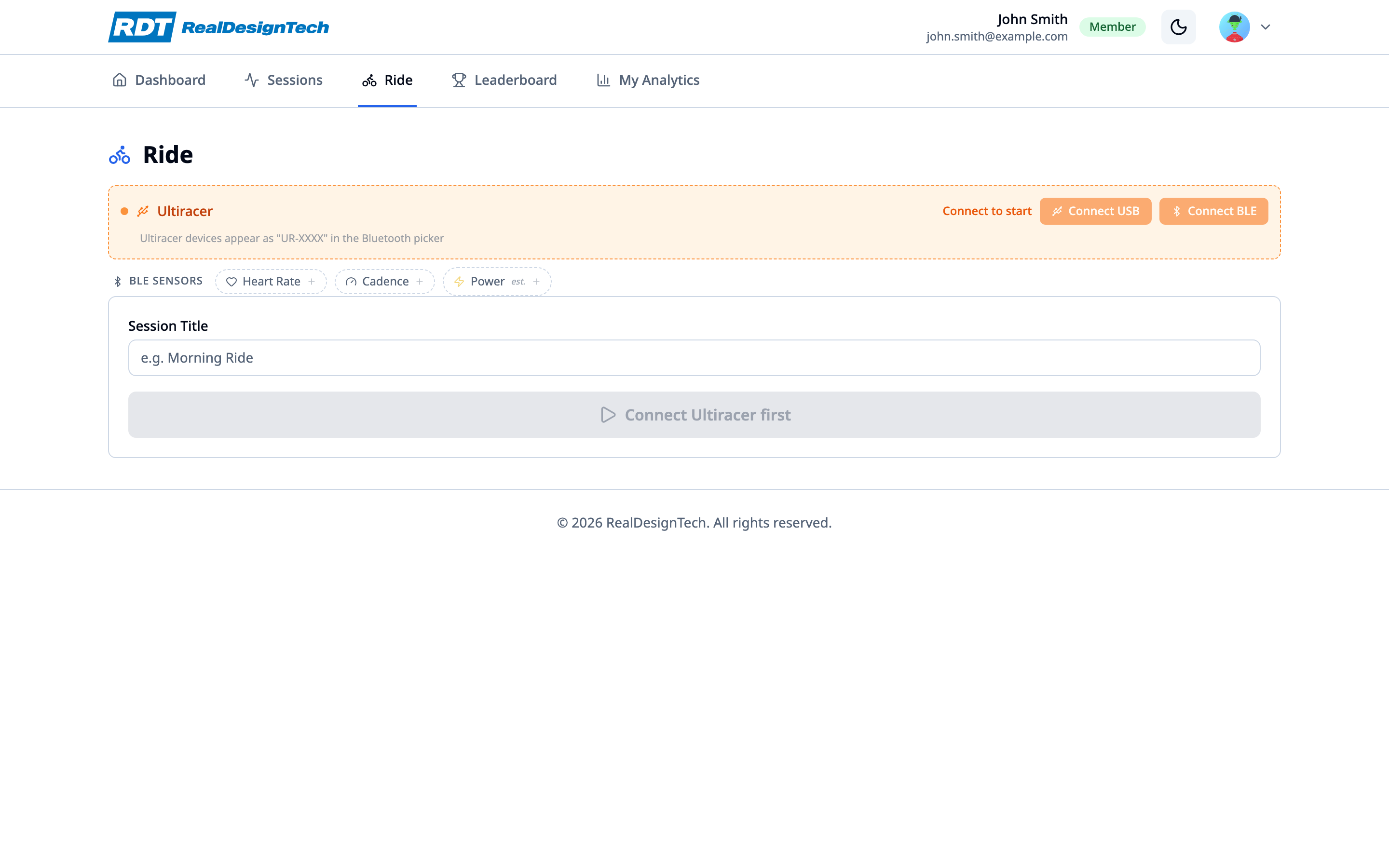
Live Ride
Connect your Ultiracer trainer via USB or Bluetooth directly from the browser. The live ride dashboard shows real-time speed, heart rate, cadence, power, lateral balance position, elapsed time, and calories burned. Add BLE sensors for heart rate, cadence, and power meters. Start, pause, and stop your session — data saves automatically.
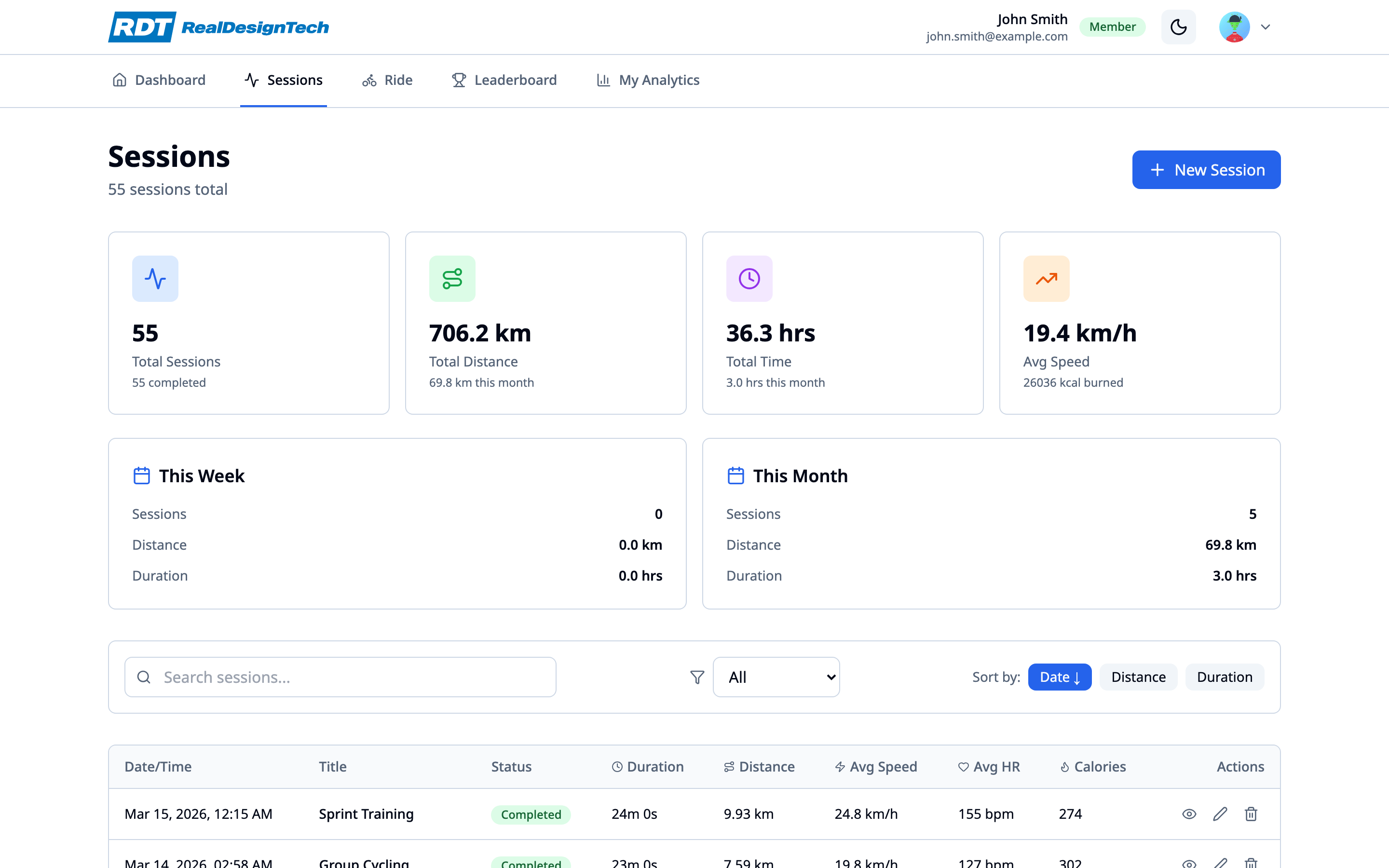
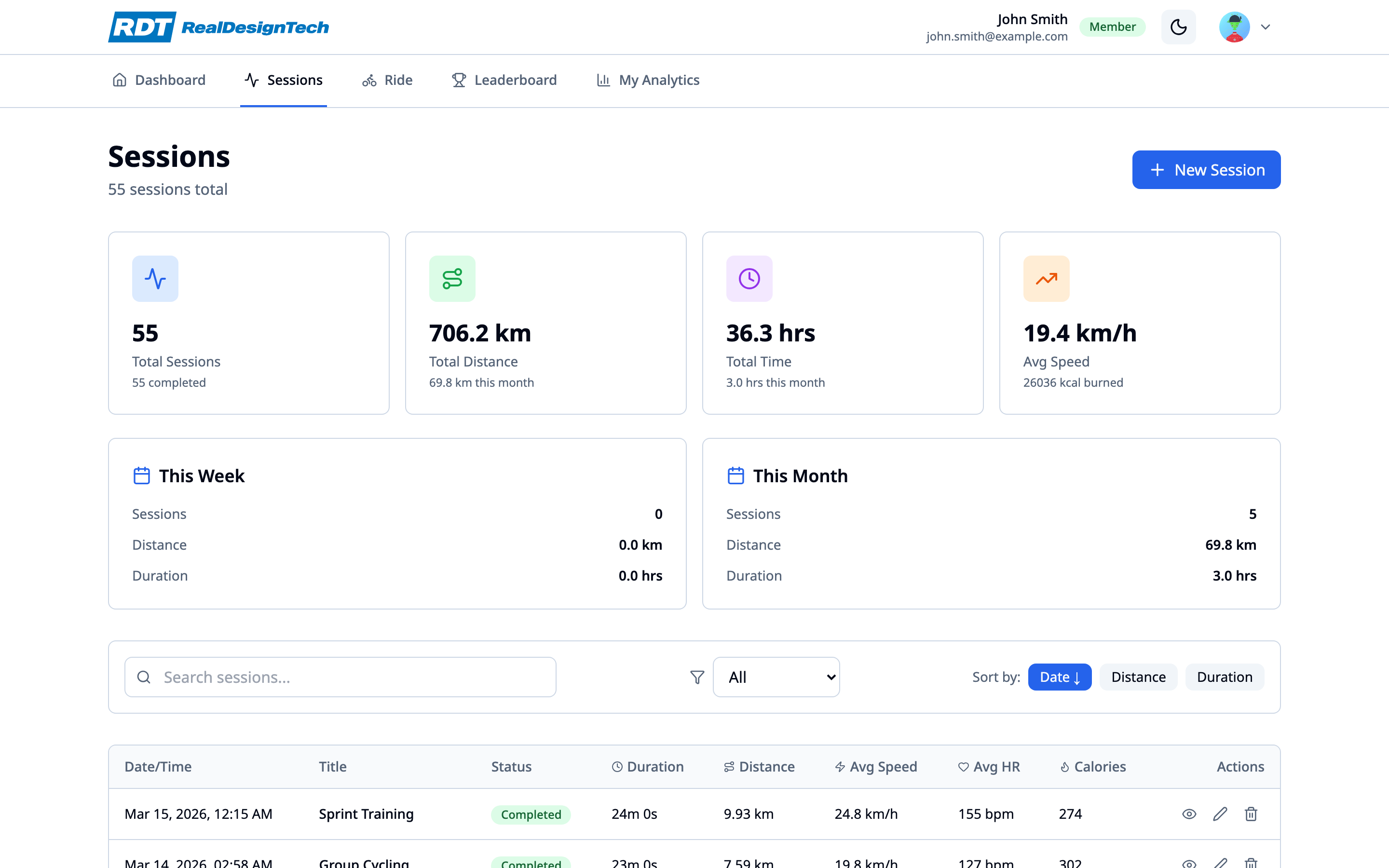
Session History
Browse all your past rides with powerful search and filtering. Sort by date, distance, or duration. Each session shows detailed stats including average speed, heart rate, calories, and balance score. Click into any session for full performance charts.
Session Analysis
Dive deep into any ride with interactive time-series charts for speed, heart rate, cadence, power, and lateral position. View your heart rate zone distribution across five zones (Recovery to VO2 Max), balance symmetry score, and detailed performance metrics. Export as a PDF report or download raw sensor data.
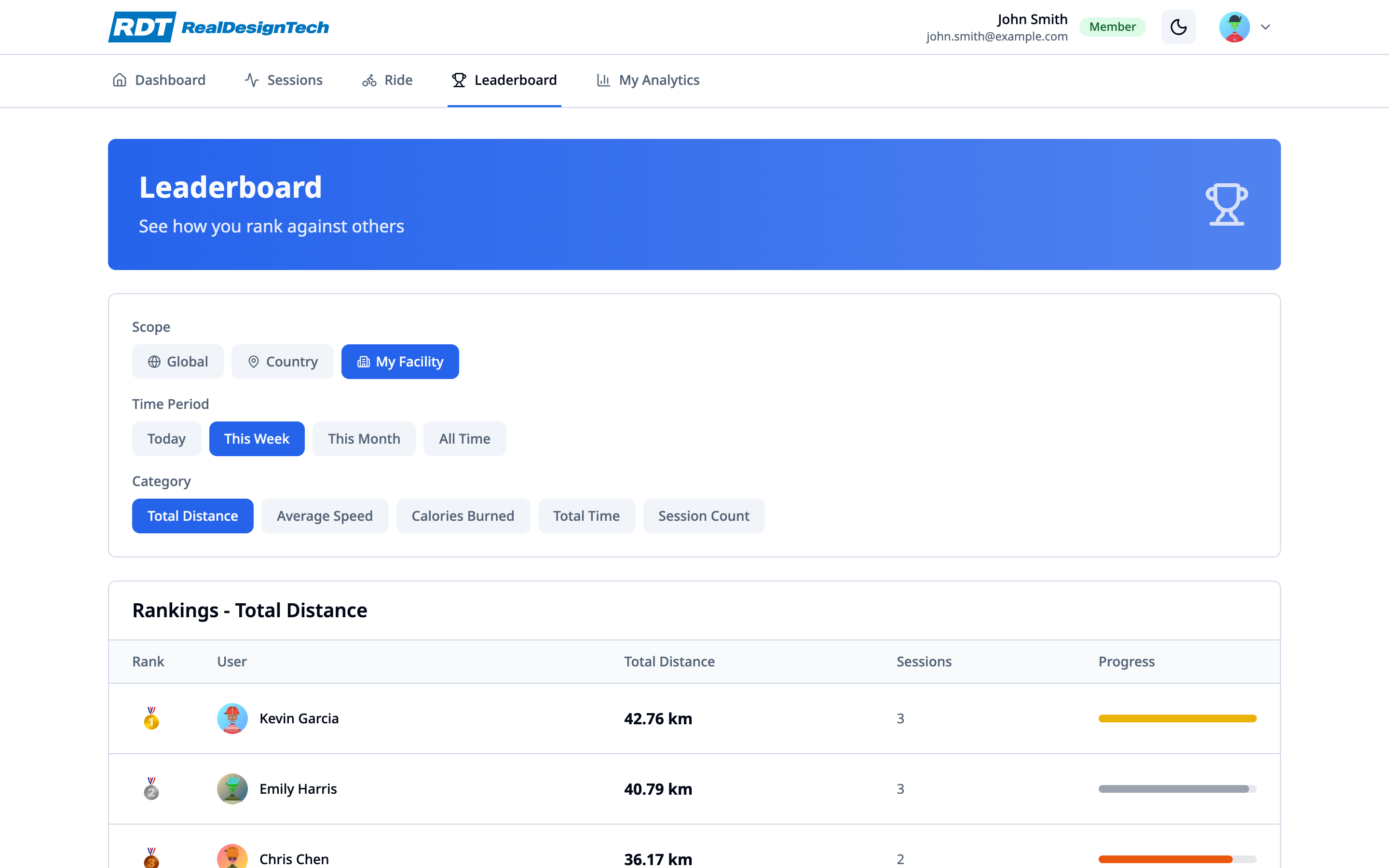
Leaderboard
Compete with riders globally, in your country, or at your facility. Filter rankings by total distance, average speed, calories burned, total time, or session count. View daily, weekly, monthly, or all-time standings. Medals highlight the top three — see where you rank and push for the next spot.
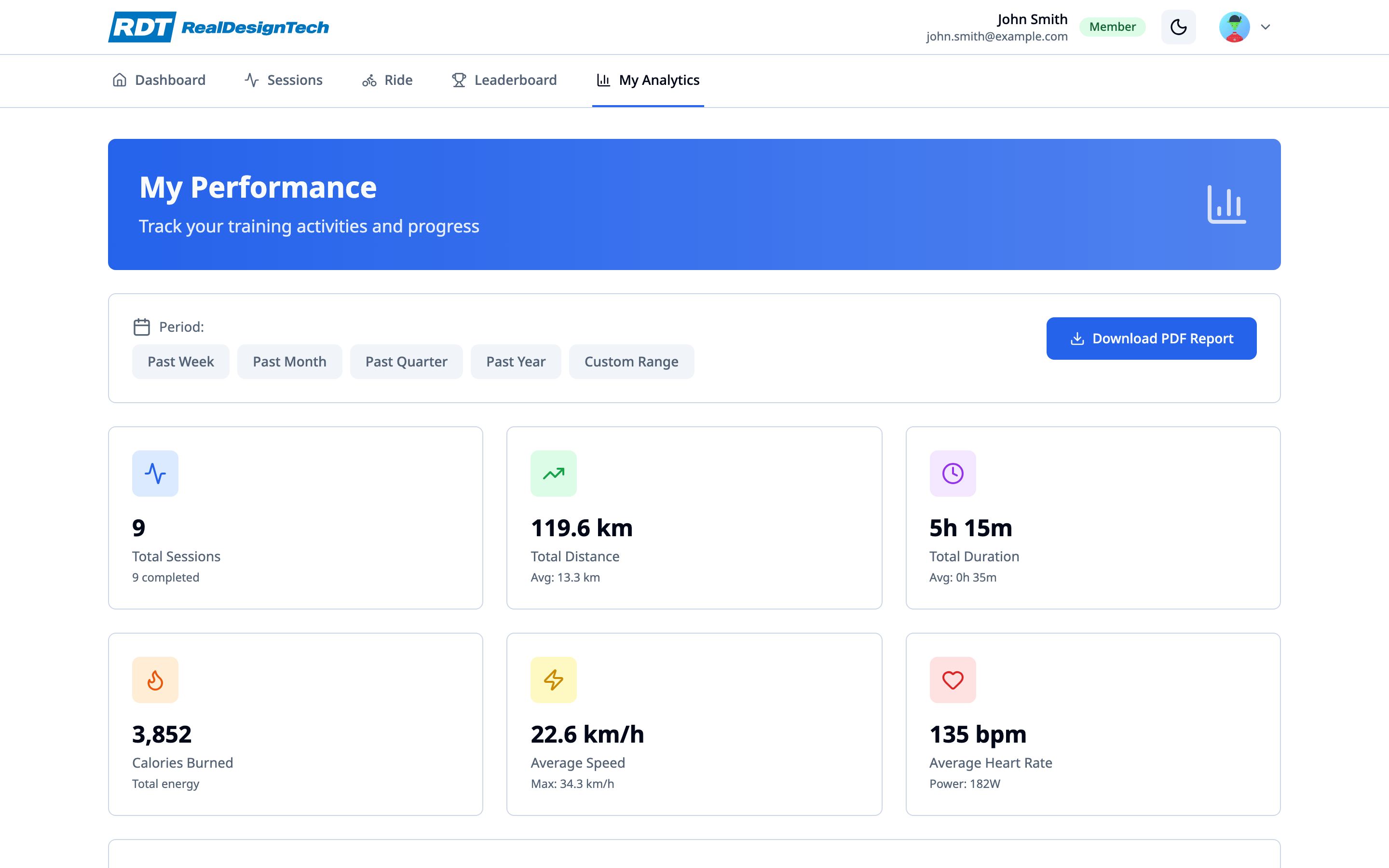
Analytics & Trends
Track your performance over time with customizable date ranges. View aggregated stats — total sessions, distance, duration, average speed, calories, and heart rate. Performance trend charts show how your riding is improving week over week. Export analytics as a PDF report.
Real-Time Ride Metrics
During your ride, the web dashboard displays every metric you need to stay in the zone and improve your balance.
Live speed from the Ultiracer trainer displayed prominently for at-a-glance reading while you ride.
Real-time left-right balance visualization. Stay centered for optimal symmetry and brain-body coordination.
Live heart rate from your connected BLE monitor. Used for zone analysis and calorie calculation.
Pedaling cadence from a connected sensor. Optimal range is 80–100 rpm for most training goals.
Cycling power from a power meter or estimated from speed and resistance. Key metric for training load.
Full session lifecycle control. Pause for breaks, stop to end. Data uploads automatically to your account.
Device Connection
The web platform supports multiple ways to connect your Ultiracer trainer and sensors.
USB Serial
Connect your Ultiracer directly via USB cable. Fastest and most reliable connection method. Uses Web Serial API — no drivers needed.
Bluetooth (BLE)
Connect wirelessly via Bluetooth Low Energy. Pair your Ultiracer trainer from across the room. Uses Web Bluetooth API.
BLE Sensors
Add external Bluetooth sensors for heart rate, cadence, and power. Supports standard BLE fitness profiles.
Auto-Reconnect
The platform remembers your devices and reconnects automatically when you return. No need to re-pair every session.
Getting Started
Create an Account
Sign up at ultiracer.com with your email, Google account, or passkey. Complete your profile with height, weight, and date of birth for accurate metrics.
Connect Your Trainer
Navigate to the Ride page and connect your Ultiracer via USB or Bluetooth. Add optional BLE sensors for heart rate, cadence, and power.
Start Riding
Click "Start Ride" and begin pedaling. Watch your metrics update in real time. Focus on keeping your lateral balance centered.
Review & Improve
After each ride, check your session analysis for detailed charts and balance scores. Track your trends in Analytics and climb the Leaderboard.
Browser Requirements
The web platform works best with the following setup.
Chrome or Edge
Web Bluetooth and Web Serial require Chrome 89+ or Edge 89+. Safari and Firefox are not supported for device connections.
Desktop or Laptop
The ride interface is optimized for larger screens. Mobile browsers do not support Web Serial or Web Bluetooth.
Bluetooth Adapter
For BLE connections, your computer needs a Bluetooth adapter. Most modern laptops have one built in.
Ready to Ride?
Log in to the Ultiracer web platform and start your brain-body balance training journey from your browser.